

War is peace. Freedom is slavery. Ignorance is strength.
Showing posts with label Download. Show all posts
Showing posts with label Download. Show all posts
Sunday, January 15, 2012


Friday, November 18, 2011
Free Online Image Editors
Alilg.com

Alilg.com – A simple and free editor that looks a lot like Photoshop, but without as many tools and effects.
Aviary Phoenix

Aviary Phoenix – Allows you to import from photo sharing sites such as Flickr and Facebook, work with layers and other tools. Offers free editing with the addition of a small watermark, as well as subscription plans for more advanced work. You can read more about Aviary here on Mashable.
DrPic.com

DrPic.com – Upload your image to this free image editor and take advantage of their numerous tools and then save it either to your disk or to the Web in your choice of formats.
FlauntR.com

FlauntR.com – FlauntR is big on backgrounds, fake magazine covers and basic editing tools. Gives you the chance to purchase prints of any of your creations.
FotoFlexer.com

FotoFlexer.com – A completely free editor with numerous tools such as distortions, layers, effects, smart scissors and a whole lot more.
Lunapic.com

Lunapic.com – Is a bit rudimentary and not quite as smooth as some of the other options out there, but it is free and simple to use.
MyImager.com

MyImager.com – This editor has a rather odd interface in that everything is done using a dropdown menu which causes the page to reload when you make a change. The service only accepts GIFs and JPGs, and is free, but advertisement heavy. You can remove the ads for $1 a month.
Online-Image-Editor.com

Online-Image-Editor.com – Good for minor editing, and obviously directed at the social networking crowd since it has a tool named “Glitter Wizard.”
OnlineImageEditor.info

OnlineImageEditor.info – A subscription-only image editing solution that offers some advanced tools and the ability, upon subscription, to install image editing on your own site if you choose.
Phixr.com

Phixr.com – Offers up basic photo editing tools that are easy to use. You can save to popular formats and upload your finished images to all of the popular photo services.
Photoshop.com

Photoshop.com – Adobe finally brought their famous photo editor to the online world. It doesn’t have all the features of its offline sibling, but it does offer a wealth of handy and easy to use tools as well as 2 GB of free online storage. So far it only accepts JPG files for upload.
Picture2Life.com

Picture2Life.com – Picture2Life offers numerous tools and shows you an automatic preview for each one as soon as you open them up.
PikiPimp.com

PikiPimp.com – PikiPimp offers very simple editing tools, but is heavy on adding “bling,” text, glitter and animations. Will also let you put your creations on items in your PikiStore.
Pixenate.com

Pixenate.com – Pixenate offers a lot of tools for touching up personal photos, including one specifically for tooth whitening, which is a new one we haven’t seen before.
Pixer.us

Pixer.us – A free editor with preview and a handful of effects such as colorfix, blur & sharpen, sepia tone and more. Very straightforward and easy to use.
Pixlr.com

Pixlr.com – Free image editor that might remind you of the offline version of Photoshop. Available in numerous languages and has an API that is free to use.
Picnik.com

Picnik.com – Import images from sites such as Photobucket, Picasa, Webshots and more. Also offers numerous tools, fonts and shapes for free. More tools are available with a premium subscription of $24.95 a year.
Snipshot.com

Snipshot.com – Allows you some basic editing tools and the ability to save to the Web or your computer. You can open any image from the Web you have a URL for and more effects and tools are available for a premium subscription fee.
Splashup.com

Splashup.com – Splashup offers a full featured online editor, but you can also download Splashup Light for mobile computing and simple editing on the go.
Webresizer.com

Webresizer.com – Offers you extremely simple tools to resize an image, crop it, optimize it and make the image more usable online.
Sunday, November 13, 2011
Free Online Video Converters
Projects that include video content may need to handle video files and convert it to different formats. Video editing tools are expensive to fill the needs for both sides. However, free video converting sites can handle this task easily and with simple few steps. The free online video converting sites allows you to convert video files to different extensions that is commonly recognized by video sharing sites such as FLV, MOV and AVI…etc. Also, some of these sites allows you to convert uploaded video content or video content from You Tube and download it to your pc after downloading it. Furthermore, you can integrate your video content with video sharing sites such as You Tube or even download video content from these sites easily as FLV Flash video format. Therefore, I find it useful to share this exclusive list of the free online video converting sites and sites that provide integrating your video content with different video sharing sites and social networks.
Flvto
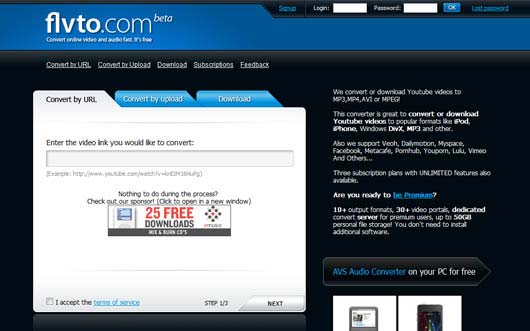
With couple of clicks, FLVto free site provides you a simple way to convert video from URL or from your pc to other video formats.
Online Video Converter
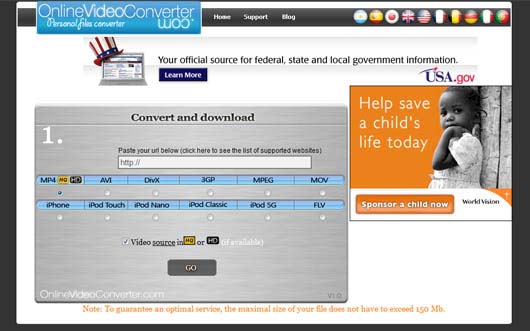
Online Video Converter does not just provide video conversion to your files, but also integrate your video content with different devices such as iPhone and iPod. Also, it gives you wide varietyf file extensions such as FLV, MPEG and MOV…etc.
Media Convert
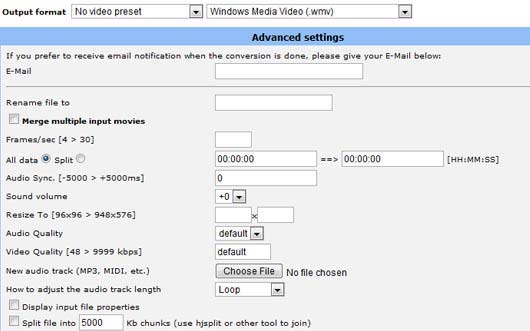
Going beyond just converting your video file, Media Convert converts video files with giving you advanced setting to set different video options such as the quality, duration, dimensions and others.
Vixy
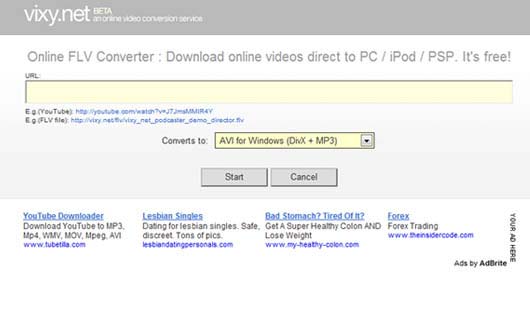
With Vixy, you can provide the URL of your video of the You Tube video and convert it with one click to different formats and download it.
Media Converter
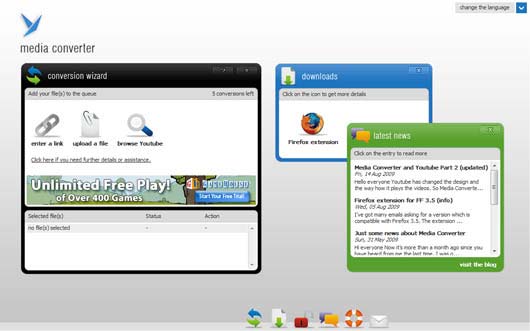
Media Converter helps you to convert video content from your PC or URL to different formats.
You Convert It
Movavi
Zamzar
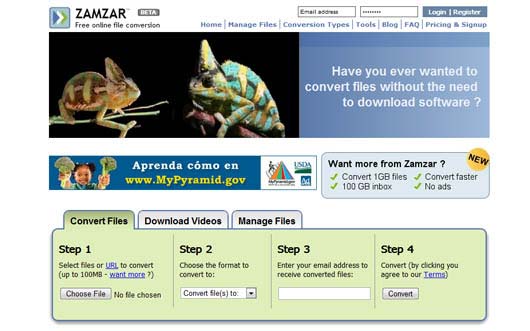
Zamzar provides you extra feature after converting video content, it lets you manage video files as well.
Demo Templates

Cellsea
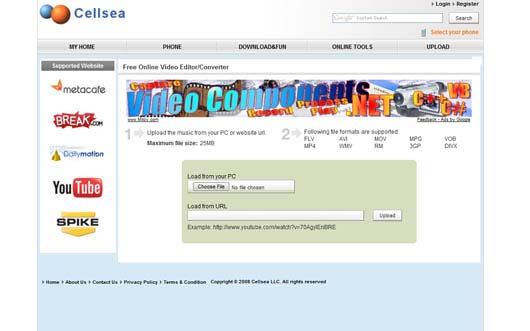
Cellsea converts your video files free and easy and integrate it with video sharing sites such as You Tube and Metacafe.
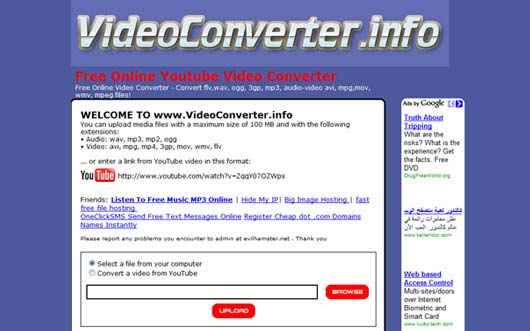
Video Converter
Tubeminator
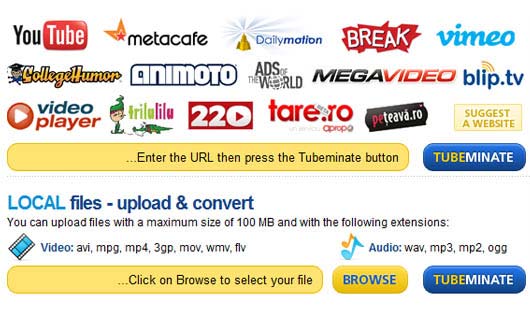
Tubeminator provides high intgeration with video sharing sites such as Vimeo and you converted video file from your PC or directly from URL.
All 2 Convert
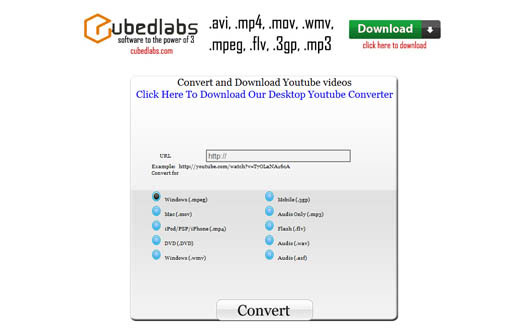
Source
Subscribe to:
Posts (Atom)
